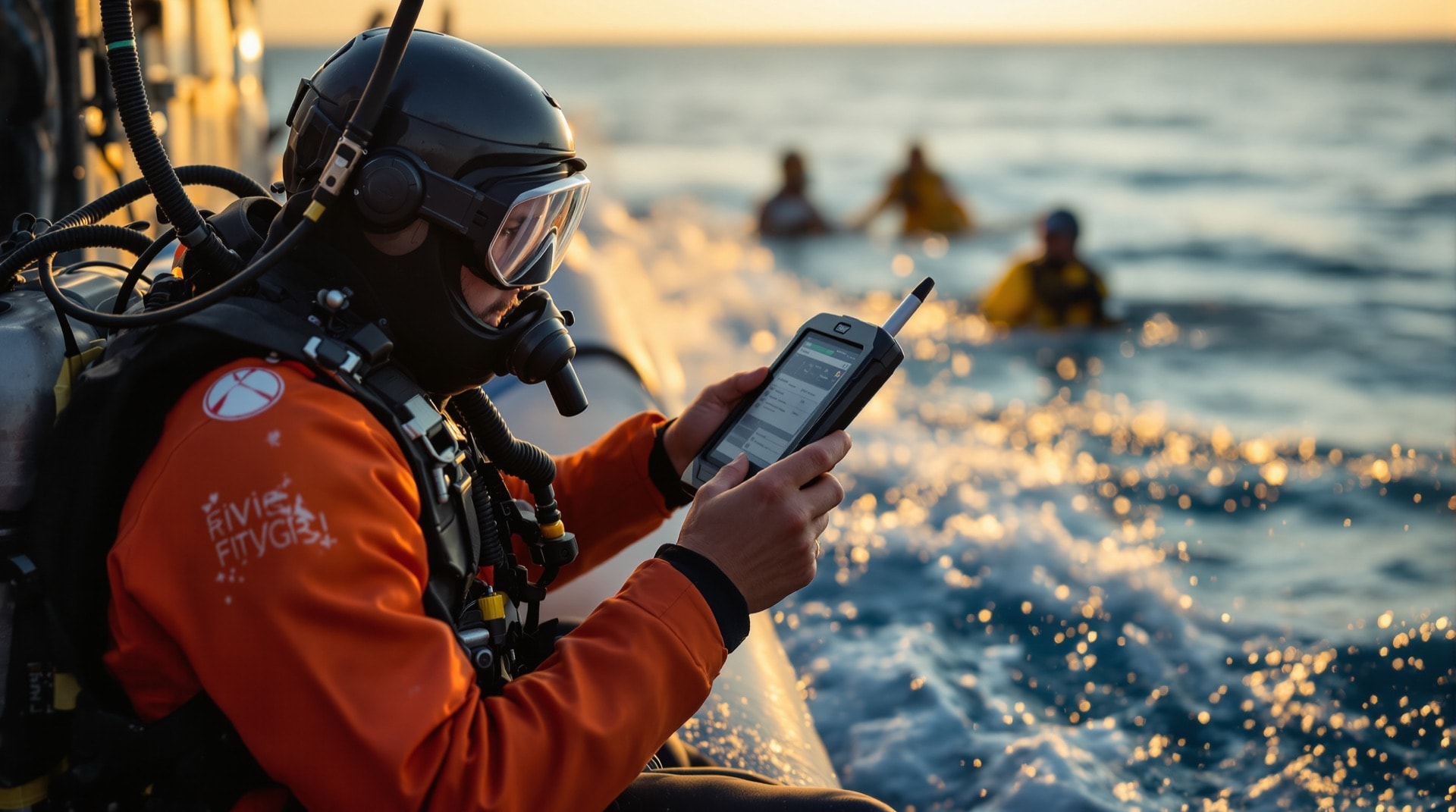
Leaving your paper log or your laptop behind did not have to mean leaving your dive logbook behind too. SharkPoint for PocketPC put the full logbook — viewing, editing and creating entries — on a Windows Mobile handheld, which meant the log got written while the dive was still fresh rather than a fortnight later from memory.
An all-in-one logbook, not a note-taker
The handheld edition was not a cut-down capture tool. It carried the same record structure as the desktop: dives, buddies, dive places, log categories, photo album, personal information, equipment management, the dive planner and the enhanced statistics. Everything the desktop could hold, the handheld could hold too.
The same look and feel as the desktop
Version 2 deliberately mirrored SharkPoint for Windows v2, from the main screen through to the logbook sections, the navigation and the dive planning tools. The intention was that a diver who knew one knew the other — no relearning the software because the screen got smaller.
What version 2 added
- Password protected files — a logbook holds certification, medical and insurance details, so file-level protection mattered on a device that travels.
- Enhanced profile charting — depth-against-time profiles rendered on the handheld itself.
- Photo album support — images carried with the dives they belong to.
- 100% synchronisation — the complete dive log dataset moved between handheld and desktop, not a subset of it.
- The VDAF engine — Virtual Dive Agency File, DreamDives' open format for repetitive dive planning parameters, so a planning profile could be described in a file rather than hard-coded into the program.
GPS and mapping
With a handheld GPS unit connected over Bluetooth, serial, an internal receiver or USB, SharkPoint for PocketPC could record dive site co-ordinates to within a few tens of feet and attach them to the dive place record. Those co-ordinates then travelled to the Windows companion's mapping features, or out to a mapping application, so a logbook gradually became a personal chart of where you had actually been.
Accuracy in the field depends on the receiver, the sky view and the conditions, and a surface fix taken from a boat is a fix on the boat rather than on the reef beneath it — worth remembering when reading old co-ordinates back. The US government's GPS performance pages set out what the system does and does not guarantee.
Synchronisation with the desktop
At home, the handheld synchronised to the PC for data exchange or backup. With the desktop edition, DiveSync Next Gen carried the data across so it could be viewed and edited in detail, analysed more deeply, and printed through the EPF (Easy Print Format) system into a logbook layout the diver had designed.
Treating the desktop as the archive and the handheld as the working copy also served the ordinary purpose of a backup. A dive logbook is a record accumulated over years and it is worth more than the device carrying it — a point that applies just as much to whatever software a diver uses today.
Editions
DreamDives published three different editions of SharkPoint for PocketPC v2, each aimed at a different kind of diver: from beginners using the simpler logging features through to experienced divers organising large volumes of records and using the more advanced logging options.
Availability
SharkPoint for PocketPC is no longer distributed, and the Windows Mobile / PocketPC platform it was written for has been discontinued by its vendor. This page describes what the software did. See the product range for the other editions.